
preview_ready
Your preview summary will appear here after generation.
Language suggestion
PDF to EPUB converter, without the blind leap
Upload a PDF file, document, book, or scanned PDF, preview the first 10 pages as EPUB, and check OCR, formatting, images, and reading order before full conversion.
Drop one PDF file, preview the first 10 pages as EPUB, and stop early if formatting, images, OCR, or layout problems make the file a bad conversion candidate.
Start Pro Most usefulTry the demo
This preview flow packages only the first 10 pages. If headings, line breaks, images, formatting, or OCR still look broken, you can stop before a bigger conversion job.
Choose a PDF above, then generate the preview EPUB.
Progress
Waiting to upload
Preview Status
Processing
Upload a PDF above to start the preview flow.
Preview pages
0
OCR used
0
Needs review
0
preview_ready
Your preview summary will appear here after generation.
Inline preview
Inspect the first few preview pages here, then download the EPUB if the reading quality looks good.
Most users should start with the PDF upload above. Open this only when you need to inspect extracted text line by line before conversion.
Use this only when you want to inspect a single extracted page by hand. The main product path is still the PDF upload above.
Overall score
55/100
Issues found
3
Needs review
2
Critical
0
Broken hyphenation
Broken hyphenation detected.
Formula structure risk
Formula-like text detected; check rendering strategy.
Page number leak
Last line looks like a page number.
Direct answer
A PDF to EPUB converter turns a PDF file, document, book, or scanned PDF into a reflowable ebook. This converter keeps the job preview-first: upload one PDF, generate an EPUB preview from the first 10 pages, then check formatting, images, OCR, and layout risk before full conversion.
For authors and small publishers
If you own or are authorized to process the file and are preparing a KDP, Kobo, or Apple Books release, request a representative five-page proof. We check navigation, reflow, images, tables, OCR, and EPUBCheck risks before quoting the full file. This is a manual sample service, not a promise that every fixed-layout PDF should become a reflowable EPUB.
Tell us the file type, page count, and target retailer. Please do not attach a manuscript until we confirm the scope and your authorization to process it.
The current product is not a full publishing pipeline. It answers one question first: can this PDF file, document, or book become a readable EPUB without wasting more time?
1
Choose one PDF file and generate a short EPUB preview from the first pages.
2
Open the preview and check whether line breaks, headings, formulas, and captions still feel readable.
3
Continue to full conversion, repair the source, or stop before you sink more effort into a bad scan.
What conversion searches are really asking
The valuable long-tail queries are not only about the output format. Users bring PDF files, documents, books, scanned pages, images, and formatting worries. The preview exists to answer those concerns before a full run.
01
A normal PDF file can contain visual lines, hidden text, page numbers, and print-only structure. A useful converter has to turn that into readable ebook flow, not just return a download.
02
Reports, manuals, papers, and forms may contain headings, lists, tables, footnotes, and columns. The preview checks whether that document structure still makes sense as EPUB.
03
For books and textbooks, broken line breaks, missing chapters, misplaced images, and flattened formulas become painful quickly. Previewing the first pages catches those failures early.
04
Image-only scans and weak OCR are still a strong product wedge. The preview shows whether text can be recovered, which pages need review, and whether conversion is worth continuing.
Reddit pain points
Reader threads point to the same practical failures: formatting breaks, old page numbers leak, images drift away from captions, scans need OCR, and academic PDFs lose reading order.
Formatting got all weird
Users keep finding that a technically converted EPUB still has split sentences, hard line breaks, and layout damage.
headers, page numbers, and so on
Repeated page furniture becomes body text unless the converter can separate printed page metadata from real book structure.
a diagram caption got slightly off
Image-heavy PDFs need checks for figures, captions, covers, formulas, and fallback pages, not only extracted paragraphs.
each page as a page screenshot not as text
Image-only PDFs need OCR and a quality preview before they can become reflowable EPUB text.
practically unreadable
Papers, textbooks, formulas, tables, footnotes, and two-column layouts need a different preview path from simple one-column books.
hundreds of academic pdfs
Batch conversion is attractive, but Reddit threads show that mixed folders need representative previews before scaling.
High-intent workflows
These pages match the strongest conversion intents behind the same upload flow: PDF files, documents, books, textbooks, ebooks, formatting, images, scanned PDFs, OCR repair, and batch planning.
These examples show what different PDF files look like before conversion, and what a believable EPUB preview needs to preserve on the other side: text flow, formatting, images, and OCR.
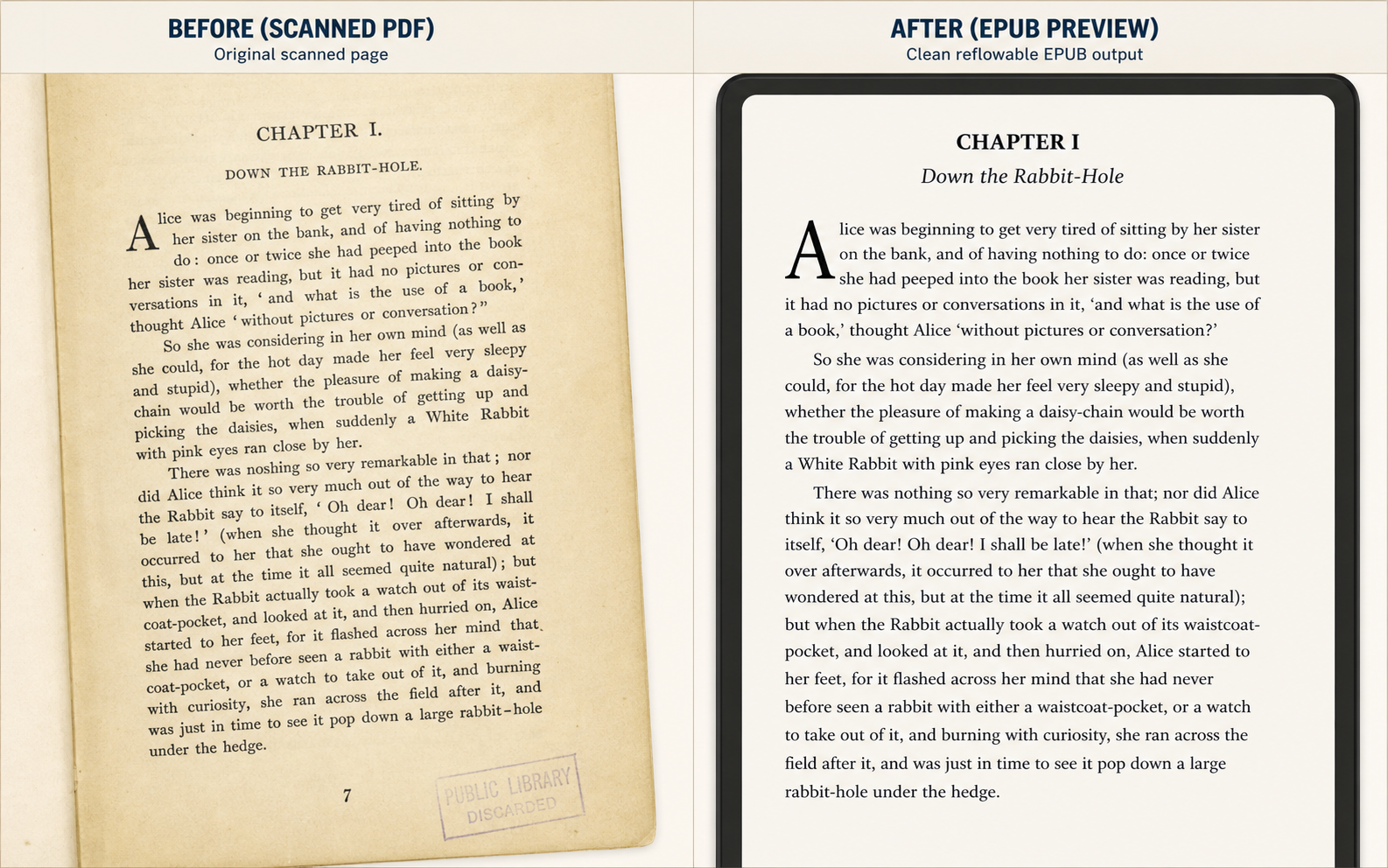
Use Case 1
This is the simplest but highest-volume use case: judge whether a yellowed chapter scan becomes comfortable enough to read on a small e-reader.
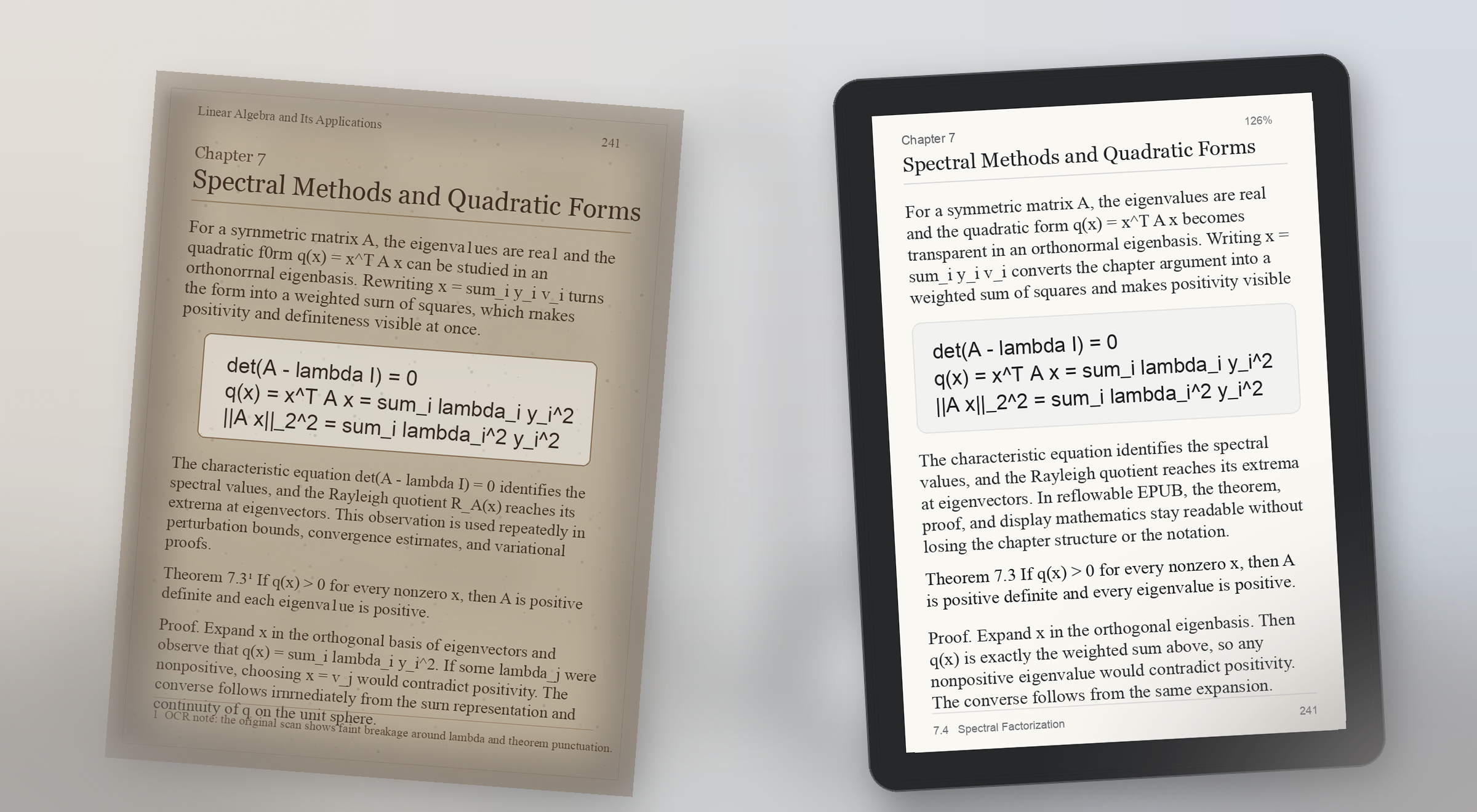
Use Case 2
Formula pages break trust fast. A useful preview proves that equations, theorem blocks, and surrounding explanation still make sense on a real reading device.
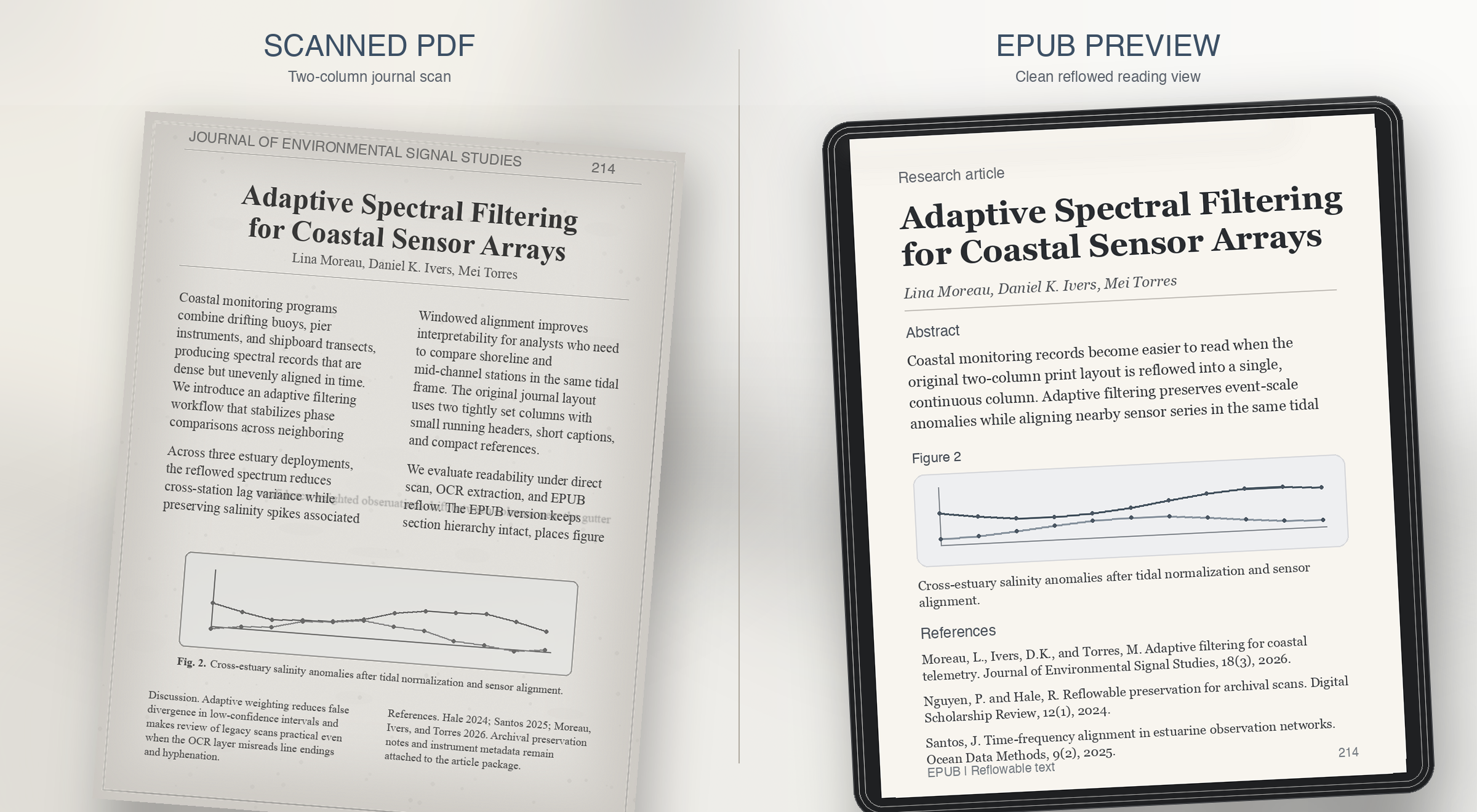
Use Case 3
Research journals usually fail on reading order. The preview should prove that columns, captions, and references survive reflow instead of collapsing together.
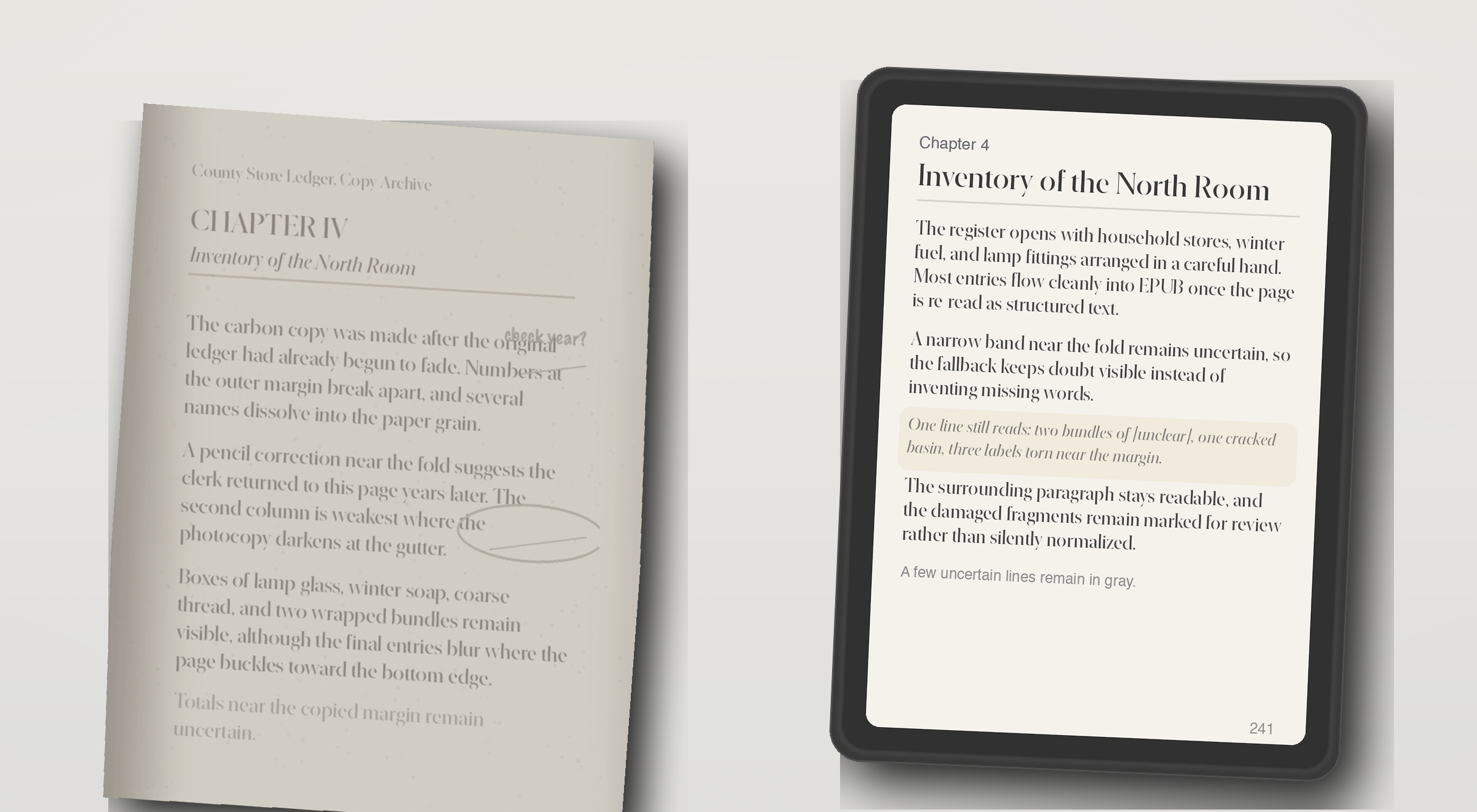
Use Case 4
Some PDFs have no usable text layer at all. The right behavior is not fake confidence, but a preview that shows what OCR recovered and what still needs review.


Paid plans
Choose by how many PDF files you need to turn into EPUB each month and how long each PDF can be. All plans keep the preview-first OCR, formatting, image, and layout checks.
Starter
$29 per month
Pro
$49 per month
Studio
$99 per month
Checkout runs through Stripe after one-time email sign-in. Starter, Pro, and Studio are paid plans; the limited preview path remains a product gate and is not a public free pricing plan.
The live demo turns the first pages of a PDF file into an EPUB preview and checks the extracted text. It flags empty OCR output, page-number leaks, broken hyphenation, bad spacing, image fallback, and formula or layout risk.
The current demo can generate a preview EPUB directly from an uploaded PDF file. Production-grade full-book conversion still needs stronger layout recovery, better OCR repair, EPUB validation, and job orchestration.
In this demo, the PDF is uploaded to the current preview service so it can generate a sample EPUB. Review your deployment and privacy settings before testing private material. The page checker still exists for users who want to inspect extracted text before uploading.
The core input is a PDF file, including documents, books, textbooks, and scanned PDFs. The output is a reflowable EPUB preview for reading on ebook-style devices. It is not trying to become a broad everything-to-everything converter.
Accurate enough to judge reading comfort and obvious structural damage. The preview is meant to answer whether the book feels clean enough to continue, not to replace final editorial review for every edge case.
Some cleanup can be automated, but the product should stay honest about uncertainty. The key promise is to surface where review is needed so the user can decide whether to repair, crop, rerun OCR, or stop.
Those are the pages most likely to trigger risk labels. Formula structure, tabular alignment, footnotes, and badly cropped scans often need targeted repair before an EPUB is truly comfortable to read.
Readers and document owners with scanned books, academic PDFs, or public-domain material who want a reflowable EPUB for Kindle or Kobo without proofreading every page manually.
Generic converters export files, but they rarely explain where OCR or layout recovery failed. This product is designed to show risk before the user commits to a full conversion.
Yes. The main demo flow is designed around that exact question: upload one PDF, inspect the first pages, review OCR risk, and judge whether the full book is worth converting.
The most useful examples are before-and-after comparisons for noisy OCR, math-heavy academic pages, two-column journal layouts, footnotes, captions, and image-only scans that need OCR fallback.
It should prove reading comfort, not just file export. A good preview shows whether line breaks, page numbers, formulas, headings, columns, and captions still make sense on a small reading device.
Get OCR repair notes, EPUB preview releases, and full-book conversion availability.